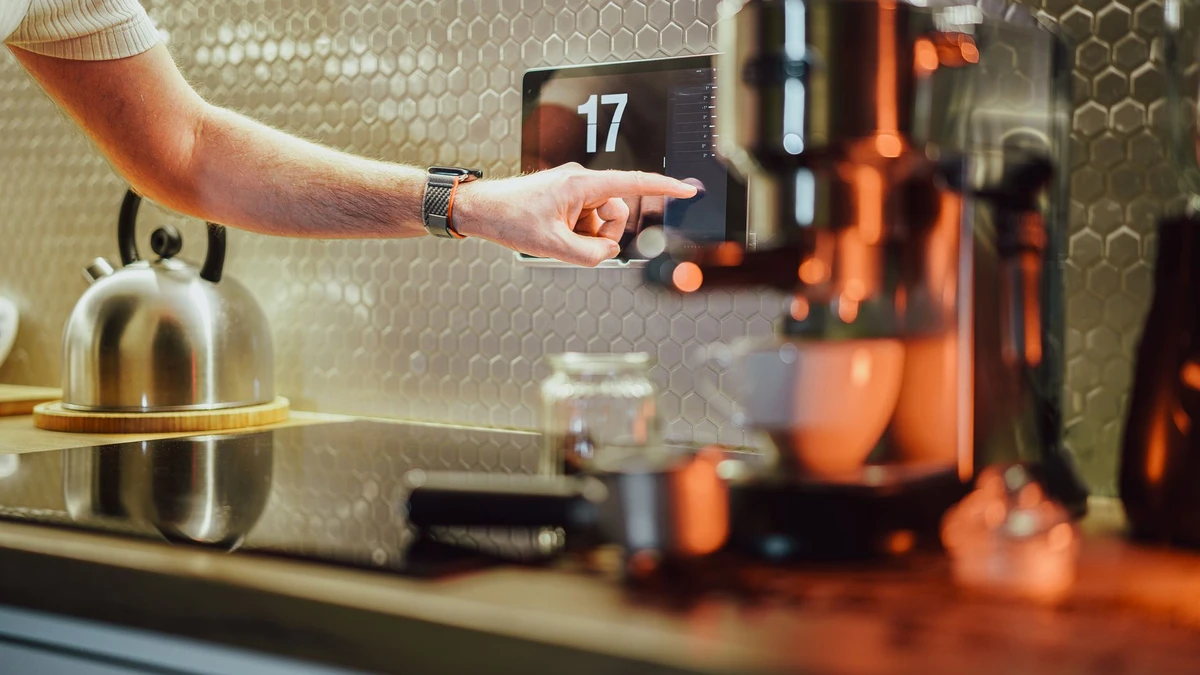
Creating Smart Home Automations That Help Instead of Annoy You
A smart home can become surprisingly demanding when every device wants to make a decision for you. Lights switch off while someone is still reading. A speaker announces that a door opened when the household is asleep. The thermostat changes because one phone briefly left the driveway.
Those failures usually do not mean the devices are bad. They mean the automation was designed around a technical possibility instead of a real household habit.
Useful smart home automations should feel almost invisible. They remove a repeated little task, work at the right moment often enough to earn trust, and leave people an easy way to take over. This article focuses on designing those everyday routines—not on choosing hubs, comparing wireless standards, or building an entire smart home from scratch.
Start with friction, not devices
The easiest way to create annoying automations is to browse an app, see a list of triggers, and start connecting things. A better starting point is a moment you already find mildly inconvenient.
Look for routines with three traits:
- They happen frequently.
- The action is predictable.
- Forgetting it has a minor but real cost, such as inconvenience, wasted energy, or an interrupted routine.
For example, turning on a hallway light before dawn is a good candidate. You know the approximate time, the area is used briefly, and no one wants to open an app while half awake. Having every lamp turn on whenever anyone arrives home may be less suitable. Arrival times vary, people may be carrying groceries or coming home late, and full-house lighting can feel excessive.
A useful question is: What would I be happy to never think about again? If the answer is vague—"make my home smarter"—the resulting automation will probably be vague too.
Start with one room or one transition in the day. The entrance, bedroom, kitchen, and bedtime routine tend to offer better opportunities than a complicated whole-home scene.
Use the smallest action that solves the problem
Many automation failures come from an oversized response. A sensor detects motion, so every light turns on. One person leaves, so the thermostat changes, locks engage, and music stops. The home reacts dramatically to an event that may not mean much.
Match the response to the certainty of the trigger.
| Trigger confidence | Appropriate response | Example |
|---|---|---|
| High: a scheduled time or a specific button press | A larger, predictable change | At 10:30 p.m., turn off downstairs lights that are still on. |
| Medium: motion, presence, or a door sensor | A small and reversible change | Turn on a dim hallway light for five minutes. |
| Low: inferred activity or a single device location | A notification or no action | Send a quiet reminder that a window may be open before bed. |
This is why modest automations often last longer than clever ones. A motion sensor can reliably provide temporary light in a pantry. It is much less reliable as proof that an entire room is empty. Someone sitting still on a couch, a pet, or a sensor with a poor view can all produce the wrong result.
When an action would be disruptive, make it easy to reverse or avoid. Dim lights before turning them off. Send a notification before changing something important. Require a confirmation button for a routine that locks doors or arms security equipment.
Build around routines with clear boundaries
An automation needs a beginning and an end. "Turn on the kitchen lights when there is motion" has a beginning, but without sensible limits it can run all day, trigger in bright sunlight, or leave lights on far too long.
Good boundaries usually involve one or more of these conditions:
- Time of day
- Ambient light level
- Which household members are home
- Whether a room is already in a particular mode
- A time limit before the action reverses
- A manual override
Consider a nighttime bathroom light. The useful version may be: when motion is detected between 11 p.m. and 6 a.m., and the room is dark, turn on the light at 10 percent brightness; turn it off after two minutes with no motion. That routine respects sleepy eyes, avoids unnecessary daytime behavior, and has a clear endpoint.
The less helpful version turns on the bathroom at full brightness any time motion appears. Technically, it works. Practically, it may wake someone up enough to make them disable it.
Prefer conditions that reflect the real reason
A schedule is often better than a complicated prediction. If the household reliably starts winding down at a certain time, a time-based lighting scene can be more dependable than trying to infer bedtime from phone activity, television status, and bedroom motion.
Likewise, "after sunset" may be more useful than "at 7 p.m." for exterior lights, while "only on weekdays" may matter more than sunset for a morning routine. Use the condition that actually explains the behavior you want.
Make manual control part of the design
An automation should not turn ordinary switches and controls into a source of confusion. If someone flips a physical switch and the app later turns the light back on, the system feels argumentative.
Manual control is not evidence that an automation failed. It is how people handle exceptions: a guest is sleeping, someone has a headache, dinner runs late, or the usual routine simply does not apply today.
Build in a graceful way for people to override the system:
- Use smart switches or bulbs that still work predictably from the wall.
- Add a scene button for common exceptions, such as "movie time" or "guests over."
- Pause a routine for a set period after someone manually changes the affected device.
- Let a manual "off" command win over a presence or motion trigger.
For instance, if a living room lamp is manually turned off, do not have a motion sensor turn it back on every few minutes. A temporary pause—perhaps until the next scheduled period—usually respects the person in the room better.
A household with several people needs this even more. One person may appreciate a bright morning kitchen; another may leave for work before sunrise and want as little light and noise as possible. Shared spaces benefit from choices that are easy to understand and easy to override.
Avoid notifications unless they lead to a decision
Smart home notifications are tempting because they feel like awareness. In reality, a stream of low-value alerts quickly becomes background noise. Once people mute the app, they can also miss the alerts that matter.
Before enabling one, ask what you expect the recipient to do. If there is no useful action, the system should probably handle the event quietly or not report it at all.
A good alert might say that a leak sensor detected water, a door was left open after everyone departed, or a garage door is still open late at night. Each message gives someone a reason to check, close, or respond.
A poor alert might announce every motion event, every light turning on, or every time a family member arrives home. Those events can be useful as triggers inside an automation, but they rarely need to interrupt someone’s day.
For items that matter but are not urgent, use a digest or a single reminder. Instead of receiving multiple alerts about an open garage door, one notification after it has remained open for a meaningful period is easier to act on.
Design for the people who are not setting it up
The person creating the automation understands its logic. Everyone else experiences only the result. That gap is where resentment starts.
Before keeping a new routine, explain it in a sentence that anyone in the home could repeat: "The entry light comes on dimly after dark and turns itself off after five minutes." If the explanation requires a long chain of exceptions, simplify the automation.
Guests also matter. A guest should be able to use the bathroom, turn on a lamp, or leave through a door without accidentally setting off a complicated chain of events. Keep essential controls familiar. Labels on scene buttons can help, but plain switches and ordinary behavior are often best for basic tasks.
Privacy is part of this consideration as well. Indoor cameras, microphones, presence tracking, and detailed occupancy routines affect more than convenience. Discuss what is being monitored, who can see activity history, and when sensitive devices are disabled. Smart speaker privacy settings and account permissions deserve their own review before adding voice-based routines throughout the home.
Test automations in real life before expanding them
An automation that looks perfect in an app may fail under everyday conditions. A phone can lose location access. A motion sensor may miss someone sitting still. A device can be offline when a routine runs. Daylight can change more than expected from one season to another.
Treat the first version as a trial, not a finished system.
For a week or two, pay attention to a few questions:
- Did it trigger when it should?
- Did it trigger when it should not?
- Was the action comfortable, or too bright, loud, early, late, or forceful?
- Did anyone override it repeatedly?
- Would a simpler rule accomplish the same thing?
Repeated overrides are useful feedback. If people constantly turn a light back on, lengthen the shutoff timer or stop using motion as the only occupancy signal. If an arrival routine activates while someone is just walking the dog, tighten the location boundary or make the action smaller.
Keep a simple name for each routine, too. "Hallway night light" is easier to find and troubleshoot than "Motion Light Automation 3." Add a brief description in the app if it supports one, especially when you use conditions that may not be obvious later.
Useful automation patterns worth borrowing
You do not need a dramatic whole-home sequence to make daily life easier. These patterns work because they are narrow, understandable, and easy to adjust.
A gentle morning path
Instead of one loud wake-up scene, use small changes across a short period. A bedroom lamp can brighten gradually near the usual wake-up time, followed by a kitchen light at a comfortable level. If the household schedule changes often, make this routine optional through a button, voice command, or alarm-linked trigger rather than assuming it should run every day.
Hands-full arrival lighting
An entry or mudroom light can turn on after dark when an exterior door opens. Set it to turn off after a reasonable period, but do not use the same trigger to illuminate the entire house. The purpose is safe, convenient entry—not a theatrical welcome.
The last-person-out check
When the last household member leaves, send a single prompt or run a low-risk checklist: turn off selected lights, lower shades if appropriate, and notify someone if a monitored door or garage is open. Be careful with automatic locks or security systems. A location error or a person left at home without a phone can create a real problem, so use confirmation and backup access where needed.
A bedtime reset with opt-outs
A bedtime scene can turn off common-area lights, adjust selected lights to low levels, and set a preferred temperature schedule. Leave out anything that could interrupt someone still awake. A scene button or voice command is often better than automatic detection because bedtime is personal and changes from night to night.
Quiet energy cleanup
A routine that turns off lights left on in unoccupied low-traffic areas can be useful, particularly in closets, laundry rooms, and pantries. Avoid automatically cutting power to devices that may be updating, recording, or running a cycle. Smart plugs are convenient, but they should not be treated as universal off switches.
Know when not to automate
Some jobs are better left as reminders, routines, or manual actions. Automations struggle when a decision depends on context the system cannot reliably see.
Do not automate an action simply because it can be automated when it involves safety, access, comfort, or privacy in a way that is hard to undo. Examples include unlocking exterior doors based only on proximity, shutting off power to appliances, changing temperatures dramatically while someone may be home, or running loud devices during uncertain quiet hours.
A notification, dashboard status, or one-tap scene is often the more sensible middle ground. There is no prize for eliminating every button press.
A simple rule for your next automation
Before turning on a new routine, write down one sentence in this format:
When this specific event happens, under these conditions, do this small action, and stop or reverse it this way.
For example: "When the back door opens after sunset, turn on the kitchen light at 40 percent, unless the kitchen is already bright, then turn it off after ten minutes."
If you cannot state the rule clearly, it probably needs fewer triggers or a smaller response. Begin with the routine that removes the most repeated irritation, test it through ordinary days, and adjust it based on the moments it gets in the way. The best smart home automation is not the one visitors notice first. It is the one nobody has to think about.